
Before I tried Linux, I assumed it was made for programmers.
Every screenshot I saw had a black terminal window full of commands.
People talked about kernels, repositories, desktop environments, drivers, package managers — words that sounded like they belonged in a computer science class.
So I quietly assumed:
Linux probably isn’t for normal people.
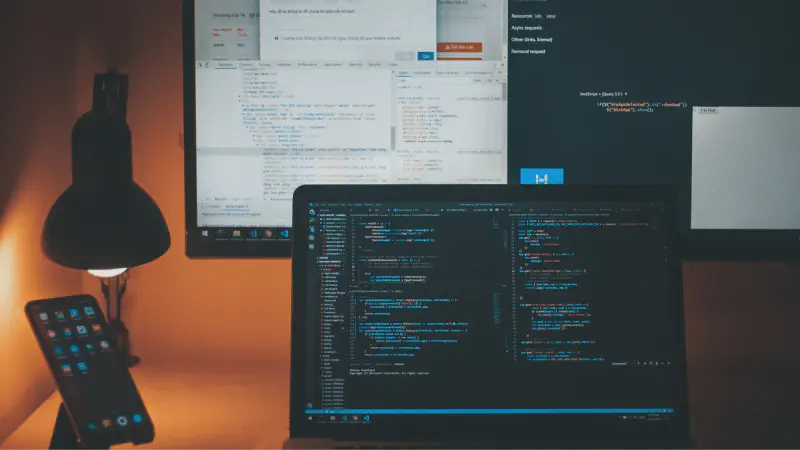
That idea stayed in my head for years.
Why Linux looks intimidating online #
Most Linux content online is written by people already comfortable with Linux.
And when experienced users explain things, they naturally use the terminal because it’s fast and precise.
The problem is, when beginners see that, it looks like coding.
But using Linux is not the same thing as developing software.
Typing a command is not the same as writing a program.
That distinction took me a while to understand.
What using Linux actually looked like #
When I finally started using Linux daily, most of what I did was completely normal.
I opened Firefox.
Watched YouTube.
Moved files around.
Listened to music.
Wrote documents.
Installed apps.
Connected USB drives.
Talked to friends on Discord.
Browsed the web for hours.
Most of the time, it just felt like using a computer.

Not programming.
The terminal wasn’t what I thought #
The terminal scared me at first because I thought it was some kind of advanced hacker tool.
Over time, I realized it was just another way to interact with the computer.
That’s all.
A file manager lets you click folders visually.
The terminal lets you move through them with text.
Different approach. Same computer.
And honestly, a lot of Linux users enjoy the terminal for the same reason some people prefer keyboard shortcuts — it can feel faster once it becomes familiar.
But familiar takes time.
At the beginning, every command feels strange.
That part is normal.
Linux does ask you to learn sometimes #
I don’t want to pretend Linux is effortless.
Sometimes things break.
Sometimes tutorials tell you to paste commands you don’t fully understand.
Sometimes error messages appear and you have no idea what they mean.
That still happens to me.
But none of that requires you to become a programmer overnight.
Most of the time, Linux is just asking you to slowly become more comfortable with unfamiliar things.
That’s very different from needing coding skills.
What changed for me #
The biggest shift happened when I stopped thinking:
“Linux is for technical people.”
And started thinking:
“Linux is just another operating system with different habits.”
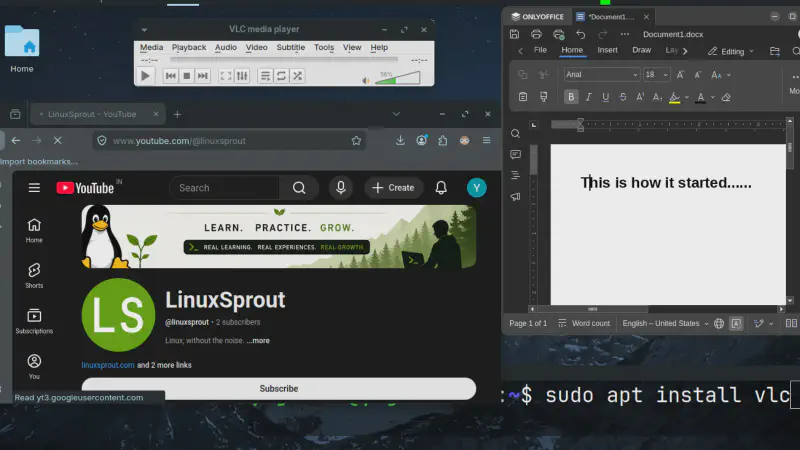
Once that clicked, the fear dropped a lot.
I stopped treating every unfamiliar screen like proof that I wasn’t smart enough to use Linux.
I started treating it like learning a new environment.
And that made a huge difference.
You don’t need coding skills to start using Linux.
You don’t need to understand everything immediately either.
You just need enough patience to let unfamiliar things become familiar over time.
That’s usually how Linux starts making sense.
If this helped, you might like future notes like this.